


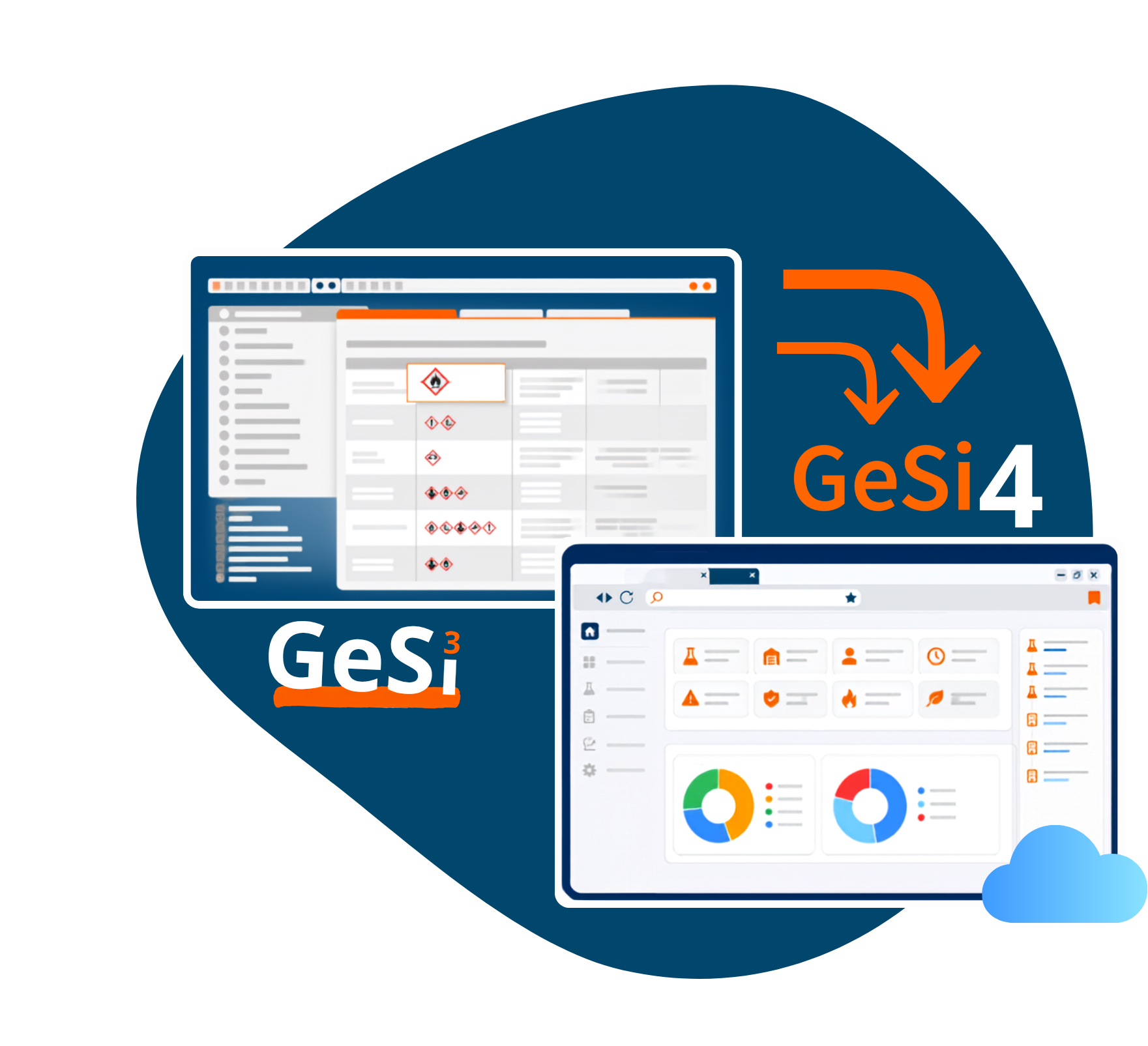
What is the difference between GeSi³ GefStoff-Profi and GeSi4 GefStoff-Profi?
GeSi4 is the next generation of our hazardous substances management software. It features a new, browser-based interface as well as numerous new functions and enhancements. You can find a detailed comparison between GeSi³ GefStoff-Profi and GeSi4 on our comparison page.
How exactly does the migration from GeSi³ to GeSi4 work?
Our IT department will assist you with the migration. Together, we'll plan the transition, transfer your data, and then verify that the migration was successful.
Do we need to take action ourselves, or will GeSi Software notify us about the possible change?
We are currently laying the groundwork for a smooth migration to GeSi4. We will provide you with a registration form in due course, which you can use to easily initiate the migration.
Do I have to migrate to GeSi4?
An immediate switch to GeSi4 is not required. If you use other GeSi³ product lines—such as SDB-Profi or FaSi-Profi—in addition to GefStoff-Profi, we currently recommend that you stick with GeSi³ for now. Otherwise, you may have to maintain data separately in both systems.
In the long term, GeSi4 will replace the current generation of software, GeSi³. GeSi Software will keep you informed in a timely manner about the available options and the best time for your migration.
Is it possible to test GeSi4 before the final transition?
Yes. You have the opportunity to get to know GeSi4 before the migration and test it for two weeks. This will allow you to familiarize yourself with the new software early on.
Will the way it works change?
Yes. GeSi4 features a new, browser-based user interface. Many workflows have been simplified and optimized, but their basic logic remains familiar.
Will all my data be transferred automatically, or do I need to create anything from scratch?
The existing data will be transferred as part of the migration. The goal is to enable you to continue working directly in GeSi4 without having to re-enter data.
Will links, assignments, and attachments be preserved?
Yes. Existing relationships between your data and any attachments will be taken into account and carried over during the migration.
Are all the features from GeSi³ already available in GeSi4?
The current roadmap shows which enhancements are already planned. If you don't see a feature there that's important for your work, please feel free to contact us. Together, we'll review your requirements and determine the best time for your migration.
What happens if a feature that's important to me isn't included?
We recommend waiting to migrate until GeSi4 provides all the features you need for your day-to-day work. Together, we’ll determine the right time.
Can I switch back to GeSi³?
Once the migration is complete, there is generally no provision for reverting to GeSi³. Therefore, we carefully guide you through the transition and prepare for it together with you.
Can GeSi³ and GeSi⁴ be used in parallel on a temporary basis?
A temporary parallel phase is possible during the migration. We will coordinate the details with you on a case-by-case basis.
What will happen to GeSi³ after GeSi4 is launched?
GeSi³ will continue to be supported even after the introduction of GeSi4. The migration will take place gradually and without time pressure.
How much longer will GeSi³ continue to be supported and updated?
Even after the introduction of GeSi4, GeSi³ will continue to be supported and receive important updates for at least four years. During this period, we will assist with the migration to GeSi4 and keep our customers informed well in advance about the upcoming schedule and future changes.
Will the existing links to the reading portal/intranet portal change?
Yes. If necessary, your IT department can set up a redirect from the old link to the new one on the company network.
Are training sessions offered for employees?
Yes. For GeSi4, we offer training sessions, webinars, and other support services to help your employees make the transition quickly and smoothly.
When is the right time to migrate?
The best time to make the switch depends on the features and product lines you are currently using in GeSi³. Before making the switch, you should check whether the features you need are already available in GeSi4 and whether your key workflows can be implemented there.
Especially if you use SDB-Profi or FaSi-Profi in addition to GefStoff-Profi, the transition must be considered on a case-by-case basis. GeSi Software will coordinate the appropriate timing with you.
Can we choose the timing of the migration ourselves?
Yes. The migration will be carried out in consultation with you. We'll work together to choose a suitable date.
How long will the transition take?
The actual data migration usually takes place within a short period of time. However, the entire migration process depends on your data set and your specific requirements.
Will there be any downtime during the migration?
No. There will be no downtime. However, to ensure data consistency, no changes should be made to the data during the migration. Read-only access remains available at all times.
Can individual product lines be transitioned at different times?
Since the individual product lines are being migrated to GeSi4 in stages, they can generally be migrated at different times. However, if you use multiple GeSi³ product lines, we recommend waiting to migrate until all required product lines are available in GeSi4. This will help you avoid having to maintain data in two unsynchronized systems during the transition period.
How much does GeSi4 cost?
If you switch from GeSi³ On-Premise to GeSi4 On-Premise, your existing maintenance contract will remain in effect. If you choose the SaaS version of GeSi4, there will be an additional charge to cover the extra costs associated with operating, maintaining, and hosting the software.
Will the licensing or billing model change with GeSi4?
GeSi4 can be operated both as a SaaS solution and as an on-premises version. Licensing and billing terms vary depending on the operating model. You can find an overview of the differences on this information page. If you have any questions or are unsure which option is right for your company, we’d be happy to advise you personally.
Do I need to sign a new maintenance contract for GeSi4?
In general, your existing care contract will remain in effect. If you decide to use the SaaS version of GeSi4, a corresponding supplemental contract will be added to it. We’d be happy to provide you with the contract details that apply to you as part of the migration process.
What are the technical differences?
GeSi³ GefStoff-Profi is the proven generation of on-premises software and is operated within the user’s own IT environment. GeSi4 GefStoff-Profi, on the other hand, was developed as a browser-based web app and can be used as a SaaS/cloud solution or as an on-premises version.
For users, this means that in GeSi4, access is available via the browser in both versions. A local installation on individual workstations is not required. From a technical standpoint, the most important factors are your IT requirements, your preferred operating model, the internal administrative effort involved, and whether GeSi4 should be hosted by GeSi Software or operated within your own IT infrastructure.
Will the licensing or billing model change with GeSi4?
The technical requirements depend on the selected operating model. For the SaaS version, all you need is a current web browser and an internet connection. If you choose the on-premises version, additional server and system requirements apply.
GeSi4 is accessed via a web browser and is optimized for use on desktop PCs and laptops. Use on tablets and smartphones is not recommended, with the exception of the reading portal.
You can find detailed information about the technical system requirements for GeSi4 here.
Do I need to reinstall GeSi4?
In general, your existing care contract will remain in effect. If you decide to use the SaaS version of GeSi4, a corresponding supplemental contract will be added to it. We’d be happy to provide you with the contract details that apply to you as part of the migration process.
Is it possible to switch from SaaS to on-premises—or vice versa—at a later date?
In general, it is possible to switch between operating models. Please feel free to contact us—we’ll be happy to advise you on your specific options.
What are the technical requirements for GeSi4?
You can find detailed information about GeSi4's technical system requirements here. If you have any questions, we'd be happy to assist you and your IT team personally.
